Step-by-step guide
View Sales History in AiWeapX POS
Sales History helps you find previous transactions and review completed sales.
On this page1. Open Sales History2. Find a transaction
1. Open Sales History
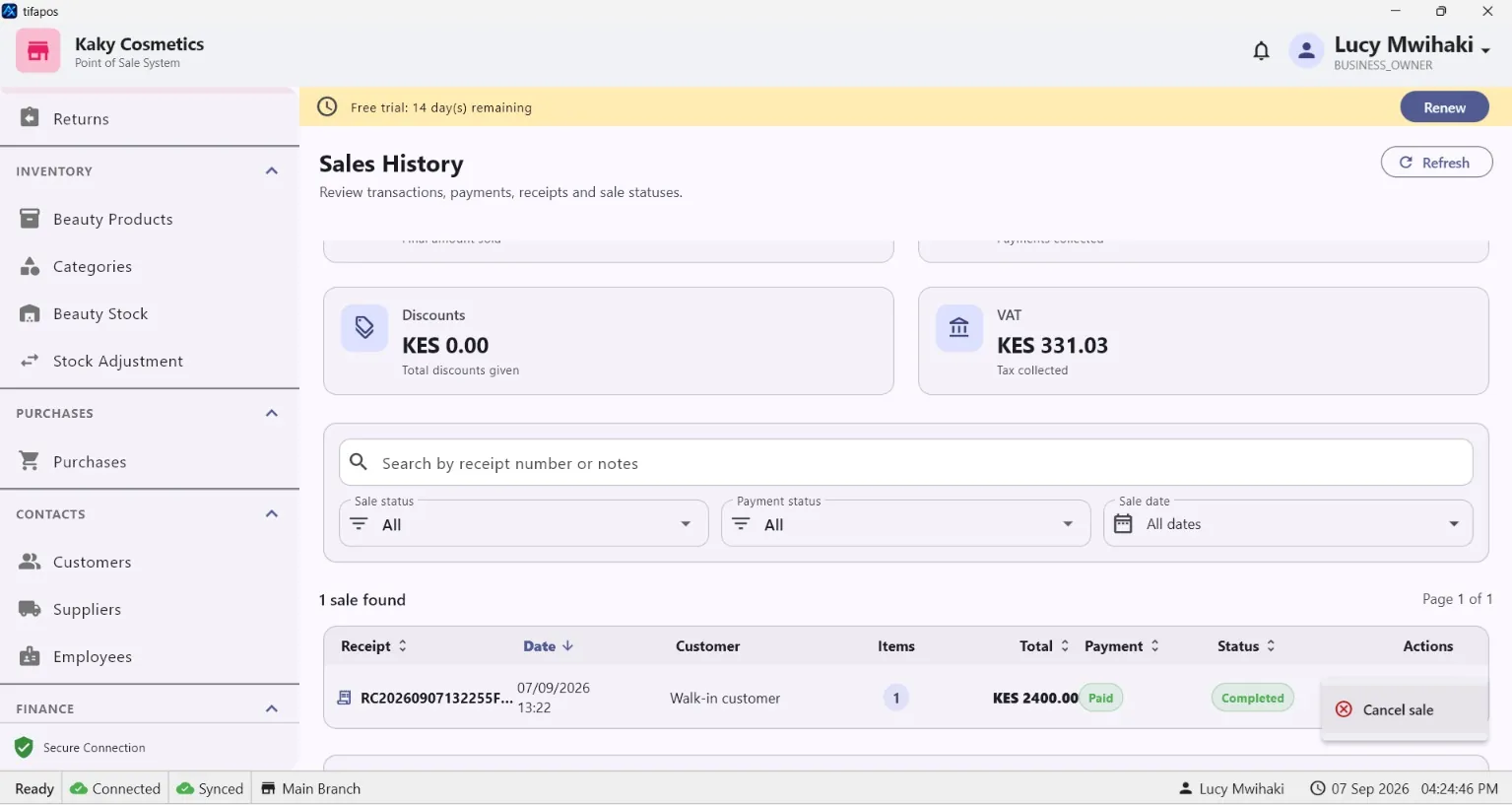
From the menu, open Sales History.
2. Find a transaction
Use the available search or filters to locate the sale you need. Open it to review the transaction details.