Step-by-step guide
Purchases & Suppliers in AiWeapX POS
Record stock purchases so inventory and supplier records stay up to date.
On this page1. View suppliers2. Create a supplier3. View purchases4. Add a purchase5. Add purchase items
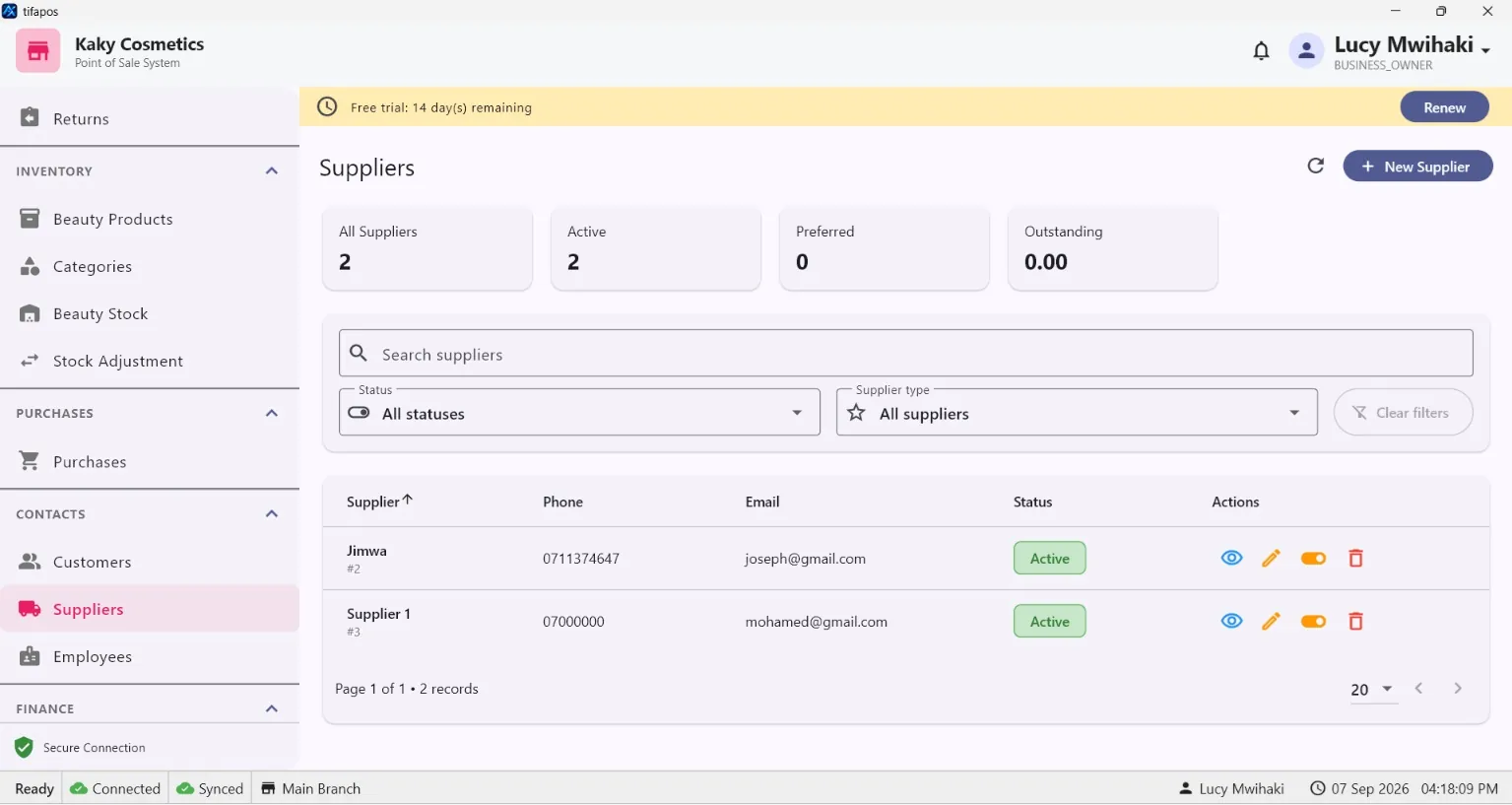
1. View suppliers
Open Suppliers.
2. Create a supplier
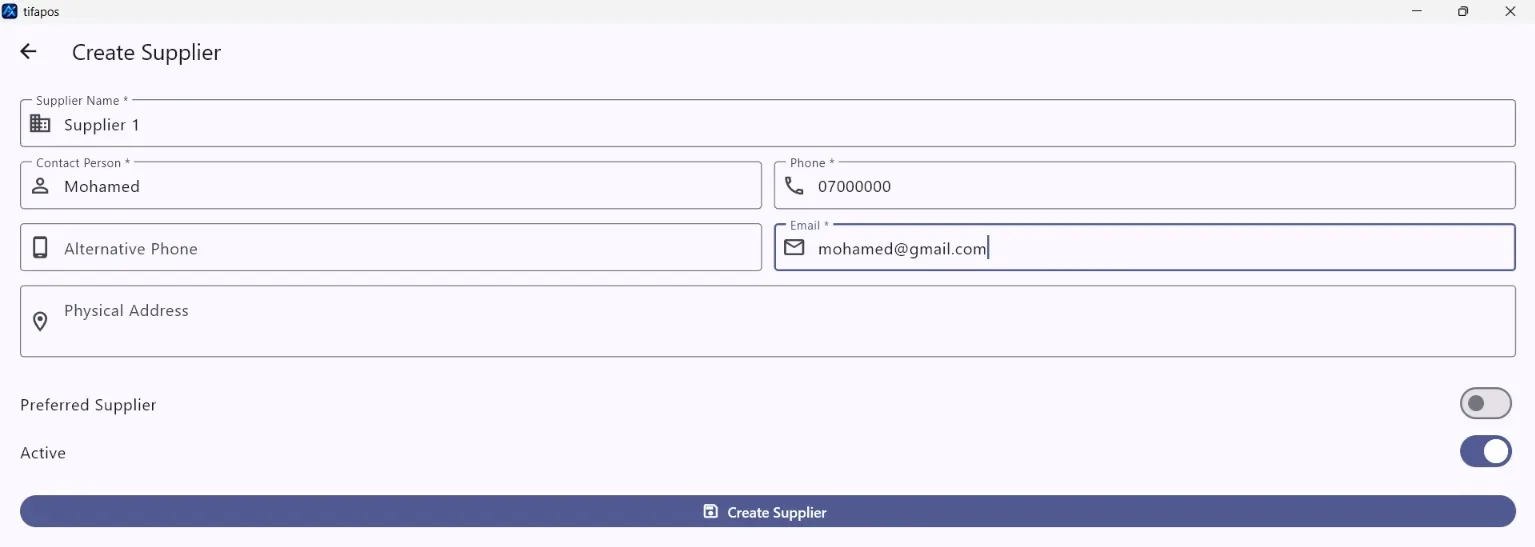
Click the add supplier button, enter the supplier contact details and save. Add Supplier.
3. View purchases
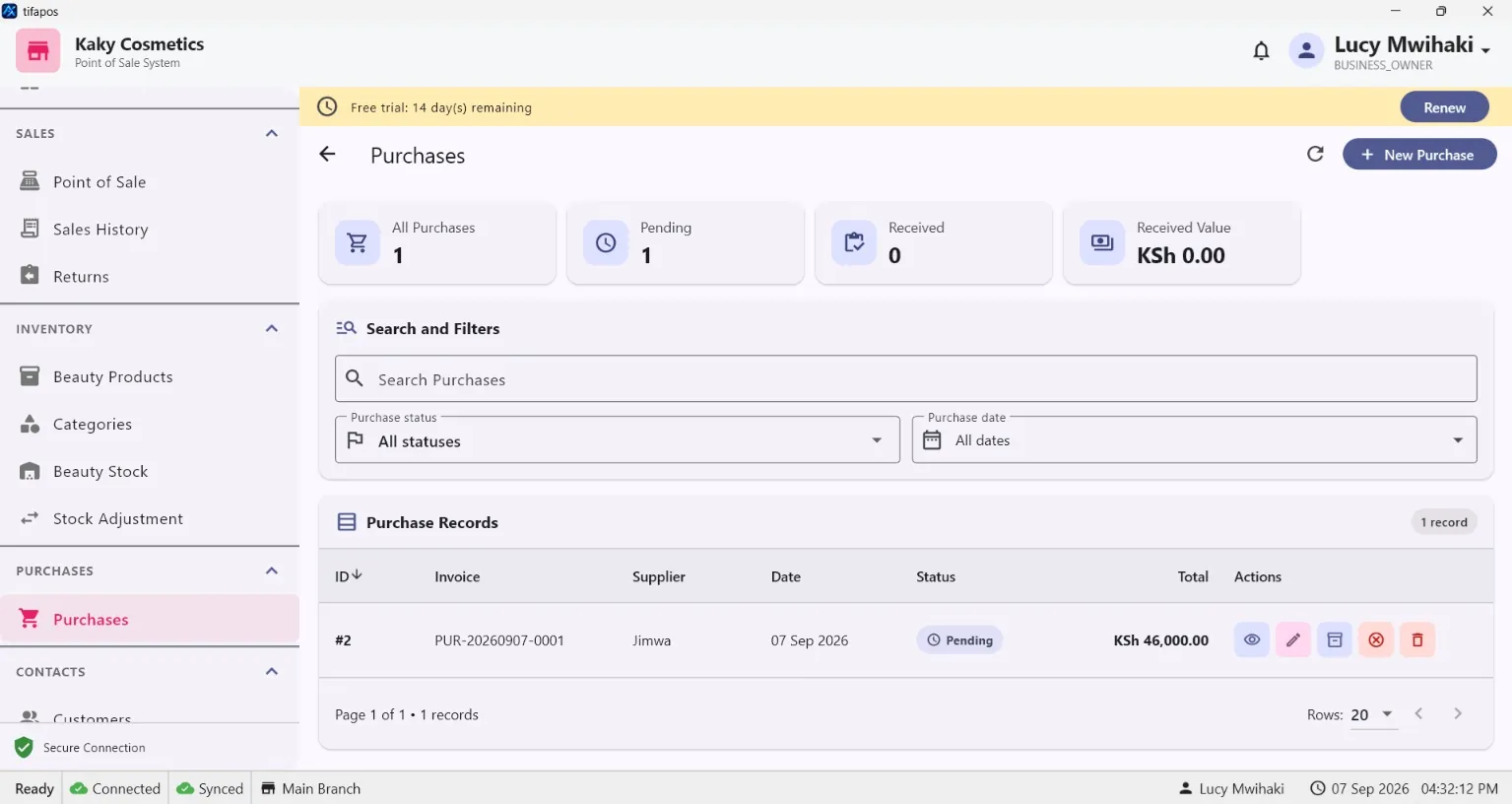
Open Purchases.
4. Add a purchase
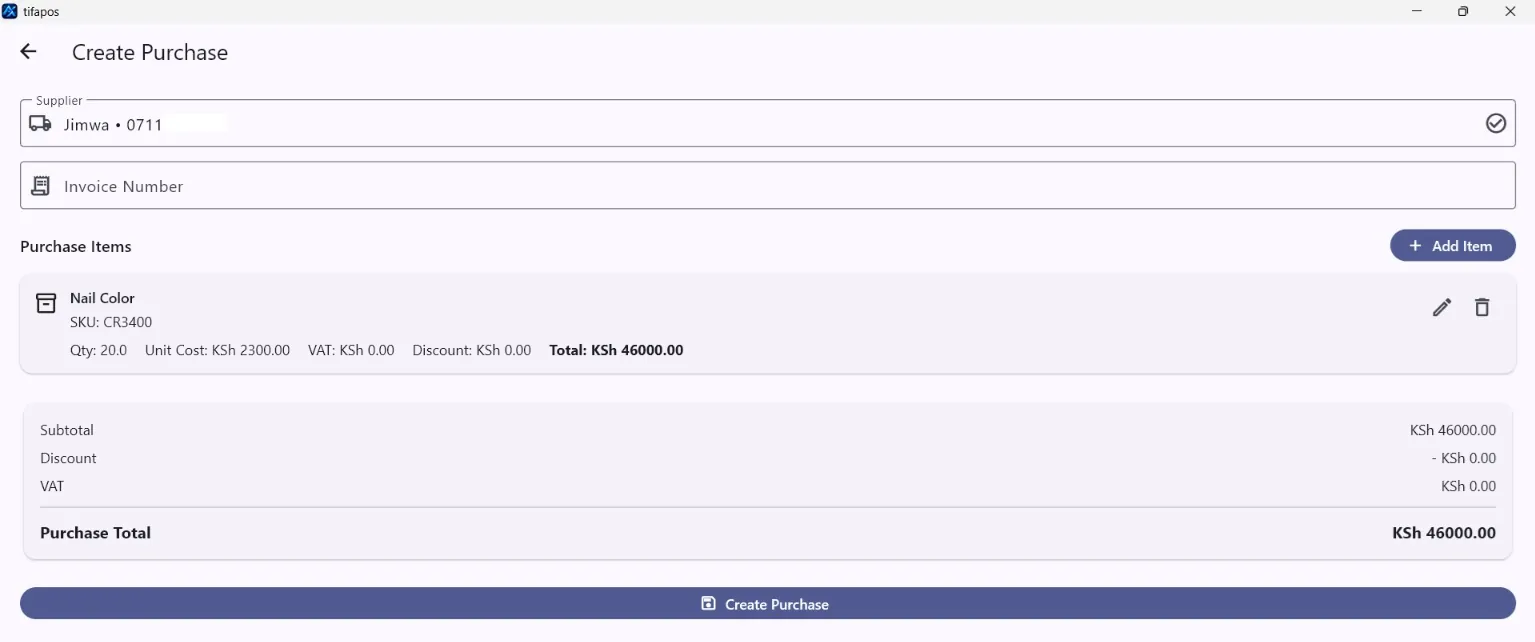
Click the add purchase button, choose the supplier and enter the purchase details. Add Purchase.
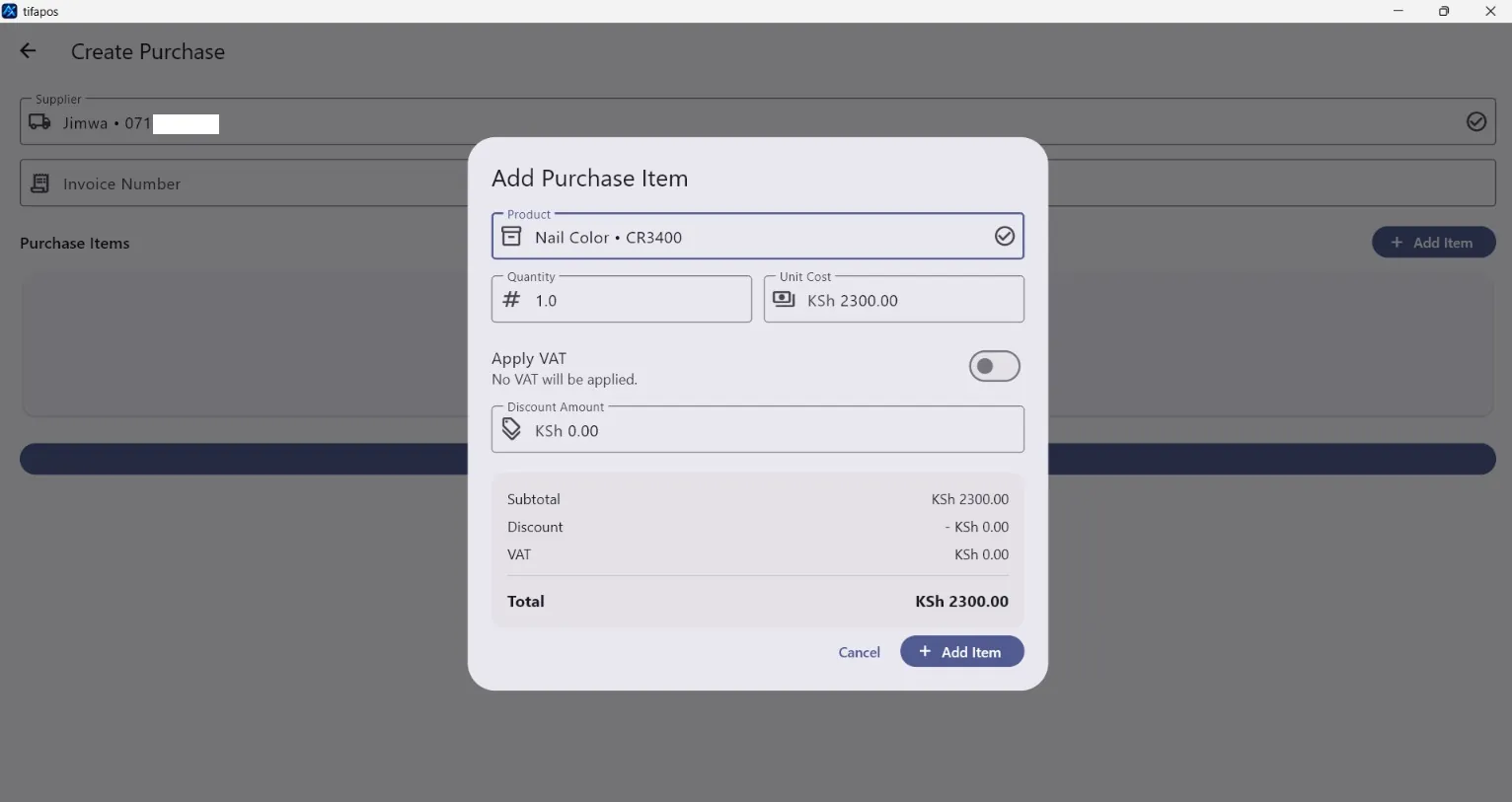
5. Add purchase items
Add each product, quantity and cost to the purchase. Review the totals, then save the purchase. Save Purchase.