Step-by-step guide
Use Audit Logs in AiWeapX POS
Audit Logs help managers trace important actions performed in the POS.
On this page1. Open Audit Logs2. Review activity
1. Open Audit Logs
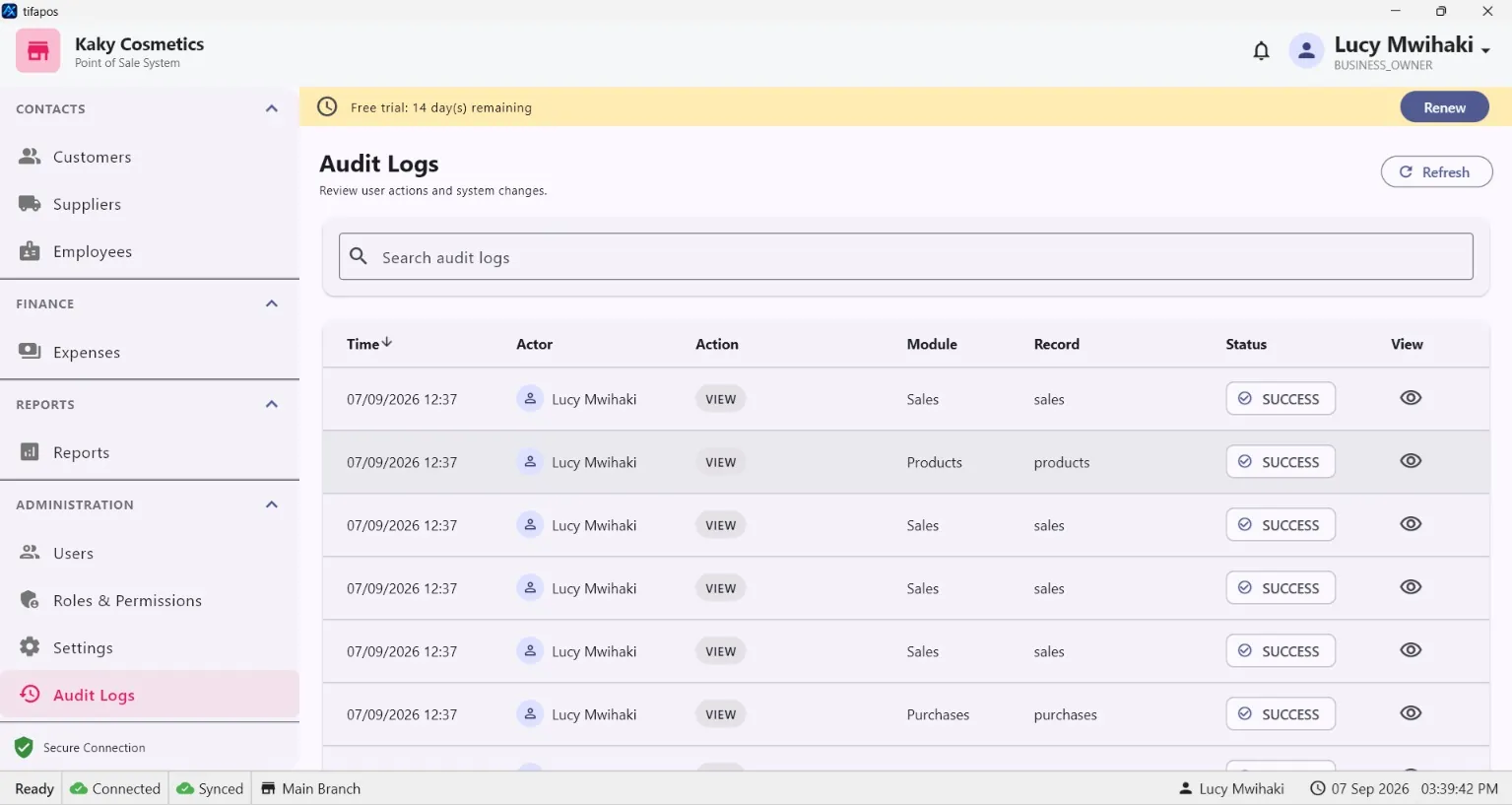
From the management menu, open Audit Logs.
2. Review activity
Use the available filters to review recorded actions, users and times. This is useful when investigating changes or checking staff activity.